
Top 5 Most Popular LMS Platforms Today: A Beginner’s Guide
Discover the 5 most popular LMS platforms today. Compare features, pros, and ideal users to find the best LMS for your teaching or training needs.

Are you diving into the world of online learning, or perhaps looking to upgrade your current training system? If so, you’re probably searching for the most popular LMS platform to fit your needs. An LMS, or Learning Management System, is the central hub where you create, manage, deliver, and track all your digital learning content.
Choosing the right platform is critical - it’s the difference between a thriving learning environment and a frustrating technical hurdle. With so many options available, how do you find the perfect match?
We’ve compiled a list of the most popular LMS platforms today, breaking down their strengths and weaknesses. Whether you're a teacher, a corporate trainer, or an instructional designer, this guide will help you find the platform that best fits your goals. First of all, we need to have a good understanding of LMS.
What is exactly an LMS?
An LMS (Learning Management System) is a software platform that brings the entire teaching and training process into one organized place. Think of it as both the digital classroom and the administrative office—everything you need to create, deliver, and track learning in a single system.
LMS platforms matter because they remove the technical hassle of sharing content and collecting results, freeing instructors and trainers to focus on what they do best: teaching.
An LMS typically offers tools for:
- Content Hosting:
A secure home for all your learning materials - interactive courses (SCORM/xAPI), HD videos, documents, quizzes, and more. - Administration & Organization:
Managing the logistics of your learning program, from enrolling users and assigning roles (Instructor, Student, Admin) to grouping learners into teams or cohorts. - Delivery & Accessibility:
Giving learners quick, consistent access to their courses through a web browser, desktop app, or mobile app - so learning can happen anytime, anywhere. - Tracking & Reporting:
One of its biggest strengths. The LMS automatically tracks learner progress, logs completion rates, records time spent, and generates detailed reports to help you understand performance and engagement.
In short, for teachers, corporate trainers, and instructional designers, an LMS acts as the central hub that turns scattered files and resources into a structured, trackable, and manageable learning experience.
Now that we’ve explored what an LMS is and why it matters, it’s time to look at how different platforms bring these capabilities to life. Here’s a breakdown of the five most popular LMS options on the market right now.
- uPresenter: The Next-Gen Integrated LMS
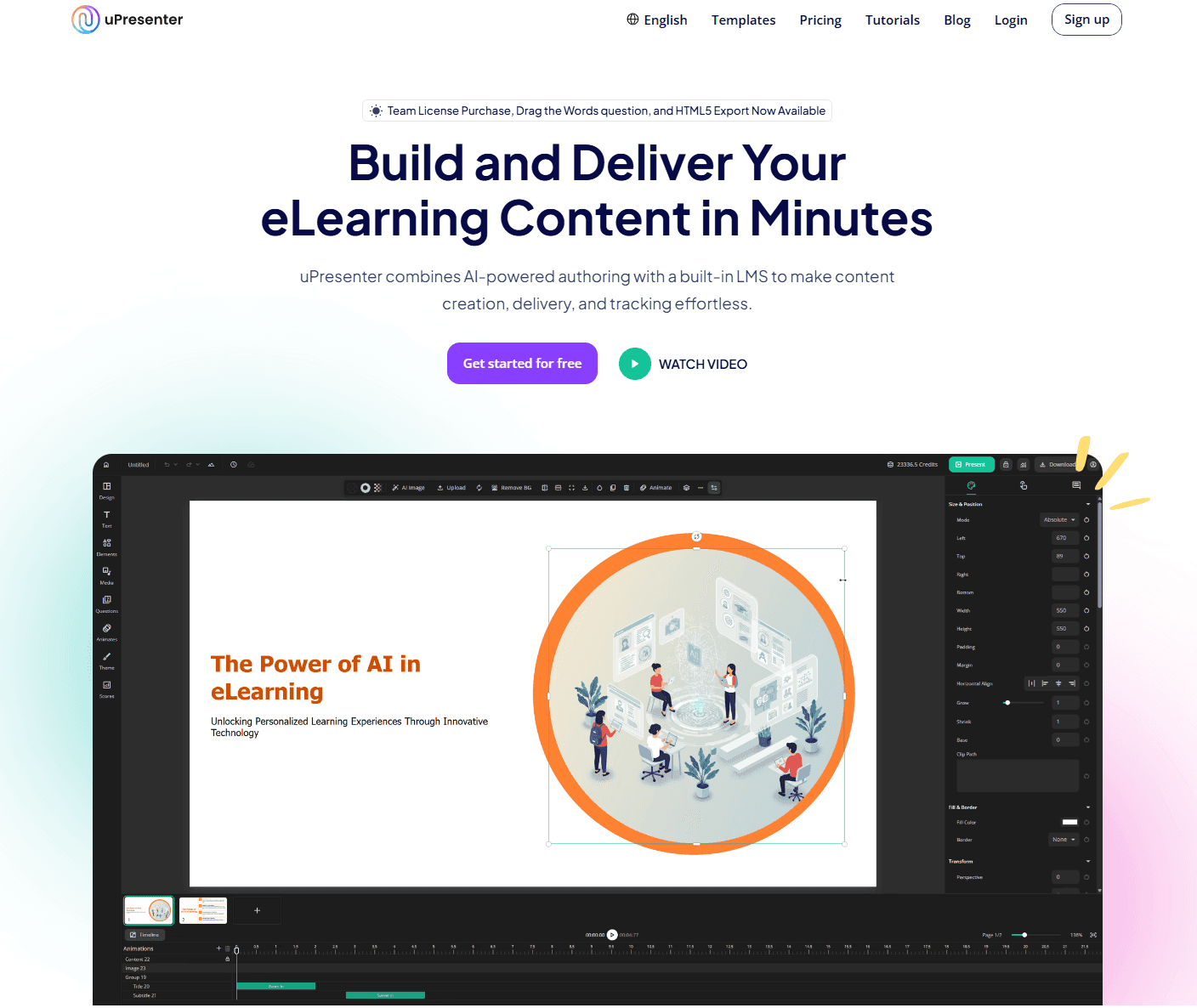
uPresenter is redefining the LMS experience by blending powerful, AI-driven content creation directly with streamlined LMS features, creating a cohesive, lightweight system perfect for educators and small teams.
Category | Details |
|---|---|
Key Features |
|
Pros |
|
Ideal Users | Individual teachers, educational teams, corporate trainers who need to create highly interactive presentations and quizzes quickly while managing cohorts and tracking real-time progress without a bulky traditional LMS. |
Why It's Popular |
|
uPresenter is specifically designed for the modern educator or trainer who feels bogged down by traditional, multi-system workflows. It challenges the norm by acting as alightweight, integrated LMS built around content creation.
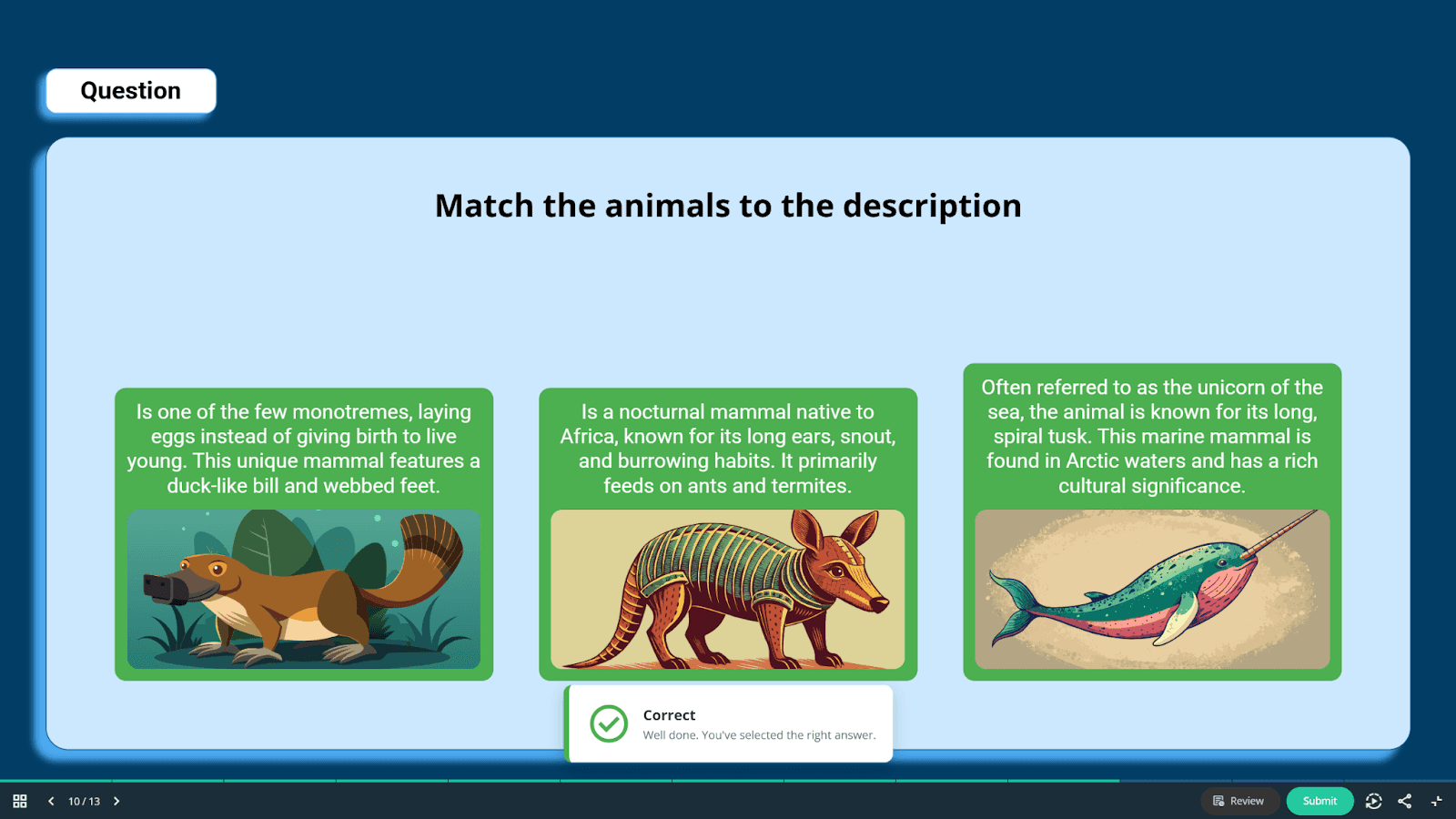
Key Strengths: Its core advantage is simplicity and speed. Users can generate an initial presentation outline using AI in minutes, then quickly embed sophisticated interactive question types like "Drag the Words" or “Matching” directly into the slides.
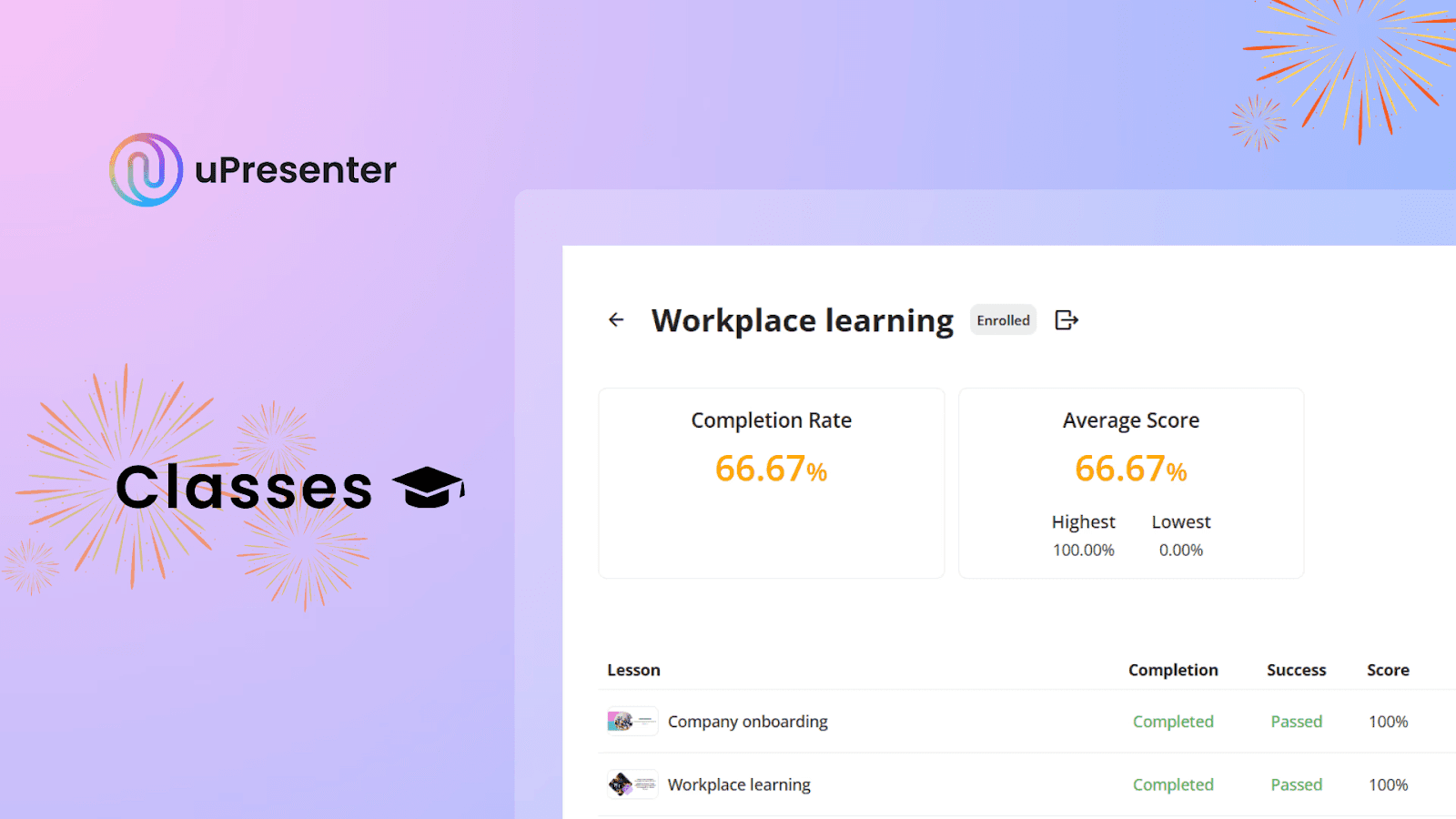
Classroom Mode is one of uPresenter’s strongest features. It lets you skip the usual complicated setup and manage everything in one place - organize student groups, assign lessons, and track real-time progress down to each answer. With this streamlined dashboard, teachers no longer have to juggle multiple tools or messy spreadsheets.
2. Moodle
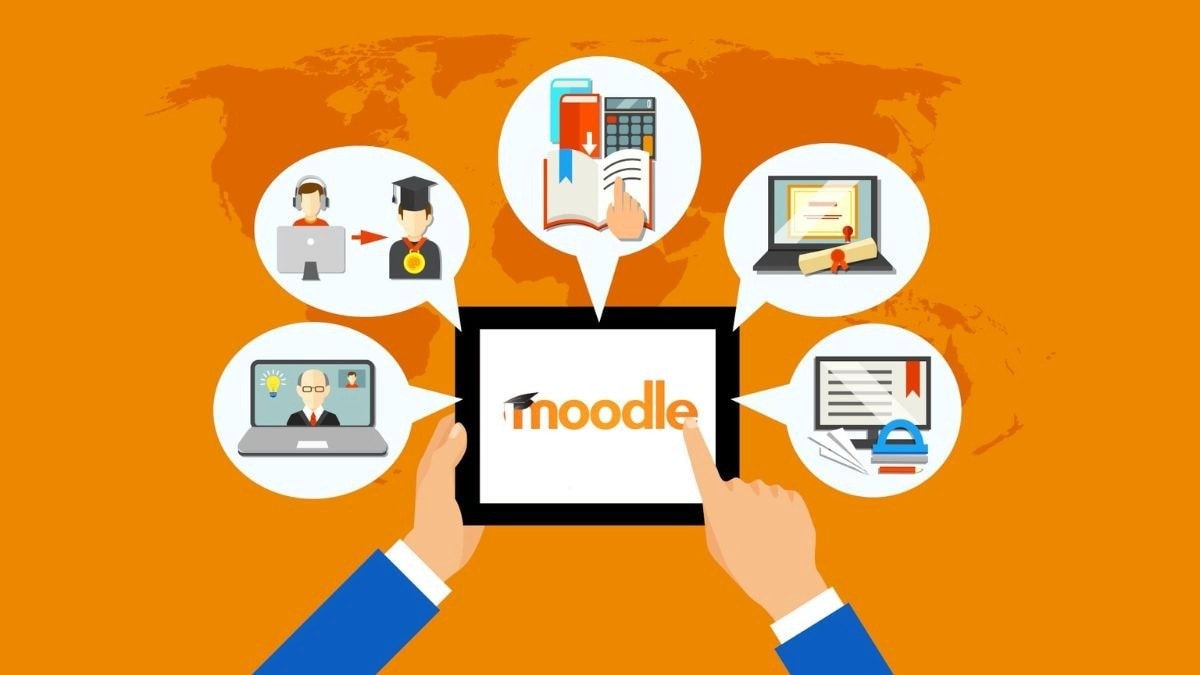
Moodle stands for Modular Object-Oriented Dynamic Learning Environment. It is quite popular LMS worldwide, primarily because it's an open-source solution.
Category | Details |
|---|---|
Key Features | Highly modular, extensive plugin library, customizable user roles, SCORM/xAPI compliant, strong security features. |
Pros |
|
Cons |
|
Ideal Users | Academic institutions (Universities, K-12), large corporations needing maximum customization, organizations with in-house technical teams. |
Moodle is open-source, which means the core software is free and can be customized however you like. This makes it especially attractive to large schools or organizations that want full control over their system and data.
That said, “free” doesn’t always mean simple. Moodle usually requires technical skills, dedicated hosting, and ongoing maintenance. Its interface can also feel a bit outdated compared to newer, cloud-based LMS platforms.
3. Canvas LMS by Instructure
Canvas is a cloud-based LMS popular in the higher education and K-12 sectors, highly valued for its clean, intuitive user experience (UX).
Category | Details |
|---|---|
Key Features | User-friendly interface, robust mobile app, rich content editor. |
Pros |
|
Cons |
|
Ideal Users | K-12 schools, colleges, and universities prioritizing ease of use, modern design, and mobile accessibility for their students. |
Canvas stands out for its focus on clean design, great user experience, and rock-solid reliability. Its communication features are also strong, making interaction simple and seamless.
However, being a proprietary commercial platform, Canvas requires a significant financial investment and doesn’t offer the same deep, code-level customization that open-source systems provide.
4. TalentLMS
TalentLMS is a quick-to-set-up, cloud-based platform designed mainly for business and compliance training. It’s popular in corporate environments because it’s simple to use, easy to roll out, and gets the job done effectively.
Category | Details |
|---|---|
Key Features | Quick course creation tools, gamification engines (points, badges, leaderboards), e-commerce functionality, strong reporting and analytics. |
Pros |
|
Cons |
|
Ideal Users | Small to mid-sized businesses (SMBs), corporate training departments, teams needing rapid onboarding and compliance management. |
TalentLMS is known for how quickly it can be set up, making it a great fit for businesses that need fast training.
However, its simplicity comes with some trade-offs. You won’t get the same level of deep interface customization that larger LMS solutions offer, and the cost can climb quickly as your number of users grows.
5. Docebo
Docebo is an enterprise-level LMS that utilizes AI to enhance content delivery, tagging, and personalized learning across large organizations.
Category | Details |
|---|---|
Key Features | AI-powered content automation, 'Discover, Coach & Share' social learning features, mobile learning, integration capabilities with HR systems |
Pros |
|
Cons |
|
Ideal Users | Large multinational organizations, companies focused on continuous learning, enterprises with complex, evolving training needs. |
Docebo is a fully featured learning platform that uses AI and social learning to deliver personalized learning paths and support peer-to-peer knowledge sharing. However, this platform is premium-priced and its many features can be overwhelming if you aren't running a large enterprise.
💡 What Makes uPresenter a Tool Worth Experiencing Among Today’s Most Popular LMS Platforms?
- Advanced AI Technology: uPresenter leverages AI to automatically generate questions, images, and content suggestions, helping educators reduce the time spent preparing lessons.
- Simplified Design: Its intuitive interface enables users to create professional lessons and educational games without requiring technical knowledge or programming skills.
- Multimedia Integration: Users can easily combine text, images, icons, videos, and AI-generated voiceovers to produce visually engaging and interactive lessons.
- 14 Diverse Question Types: From true/false and matching to sliders, dropdowns, hotspots, and labeling tasks, uPresenter supports a broad range of formats to assess different learning outcomes.
- Instant Feedback: Learners receive immediate results after answering, which helps reinforce understanding and sustain learning motivation.
- Flexible Sharing Options: Lessons can be published and shared via direct links or QR codes, making access simple for any group of learners.
- In-depth Analytics: The platform provides detailed insights into completion rates, accuracy, and user interaction, enabling educators to adapt their teaching strategies accordingly.
As an AI-powered presentation maker, uPresenter offers a practical solution for educators seeking to make digital learning more accessible, interactive, and streamlined.
Ready to Simplify Your Digital Classroom?
This blog has walked you through a clear comparison of the 5 most popular LMS platforms, helping you see how each one differs in strengths, limitations, and ideal use cases. Choosing the right platform doesn't mean picking the one with the most features; it means finding the one that best supports your teaching method and budget.
If your primary goal is to quickly create engaging, interactive content and manage your student groups without the hassle of a heavy, complicated system, we encourage you to try a tool built with efficiency in mind. uPresenter offers a fresh, streamlined approach, combining AI-powered creation and essential classroom management in one integrated platform.
Ready to teach smarter, not harder?
👉 Learn more about uPresenterand start creating interactive lessons today!